

Updated March 26, 2026
TL;DR: A wallet pass that's never surfaced is a wallet pass that doesn't exist.
- Users don't decide when passes appear — the OS does
- The OS asks one question: "Is this pass useful right now?"
- Surfacing is the mechanism. Design is secondary.
- Relevance beats visual polish every time
Overview
A wallet pass that's never surfaced is a wallet pass that doesn't exist.
Surfacing is not a feature. It's the entire mechanism by which passes become visible. Apple and Google decide when your pass appears — on the lock screen, in suggestions, in search results. You don't.
Understanding surfacing is the difference between passes users see and passes users forget they have.
Why surfacing matters more than design
Teams obsess over how passes look. They should obsess over when passes appear.
A beautifully designed loyalty pass buried in the wallet stack is useless. A simple pass that surfaces at the right moment — near the store, at purchase time, when relevant — drives action.
You control the triggers. Apple and Google control the surfacing algorithm. Know what you can influence.
Why are wallet passes context-driven instead of user-driven
Unlike apps or websites, wallet passes are rarely opened intentionally. Instead, they appear when the system believes they are relevant — based on time, location, recent updates, or usage patterns.
This is a fundamental shift in mindset. You are not designing something users browse. You are designing something the OS interrupts them with — briefly, purposefully, and selectively.
What question does the OS ask before surfacing a pass
Every surfacing decision boils down to a single question: Is this pass useful right now?
If the answer is yes, the pass appears. If the answer is no, it stays hidden. Designing wallet passes is about helping the OS confidently answer "yes."
When do passes appear on the lock screen
Passes may appear automatically on the lock screen when the user is near a relevant location, an event is approaching, an entitlement becomes active, or a recent update occurred.
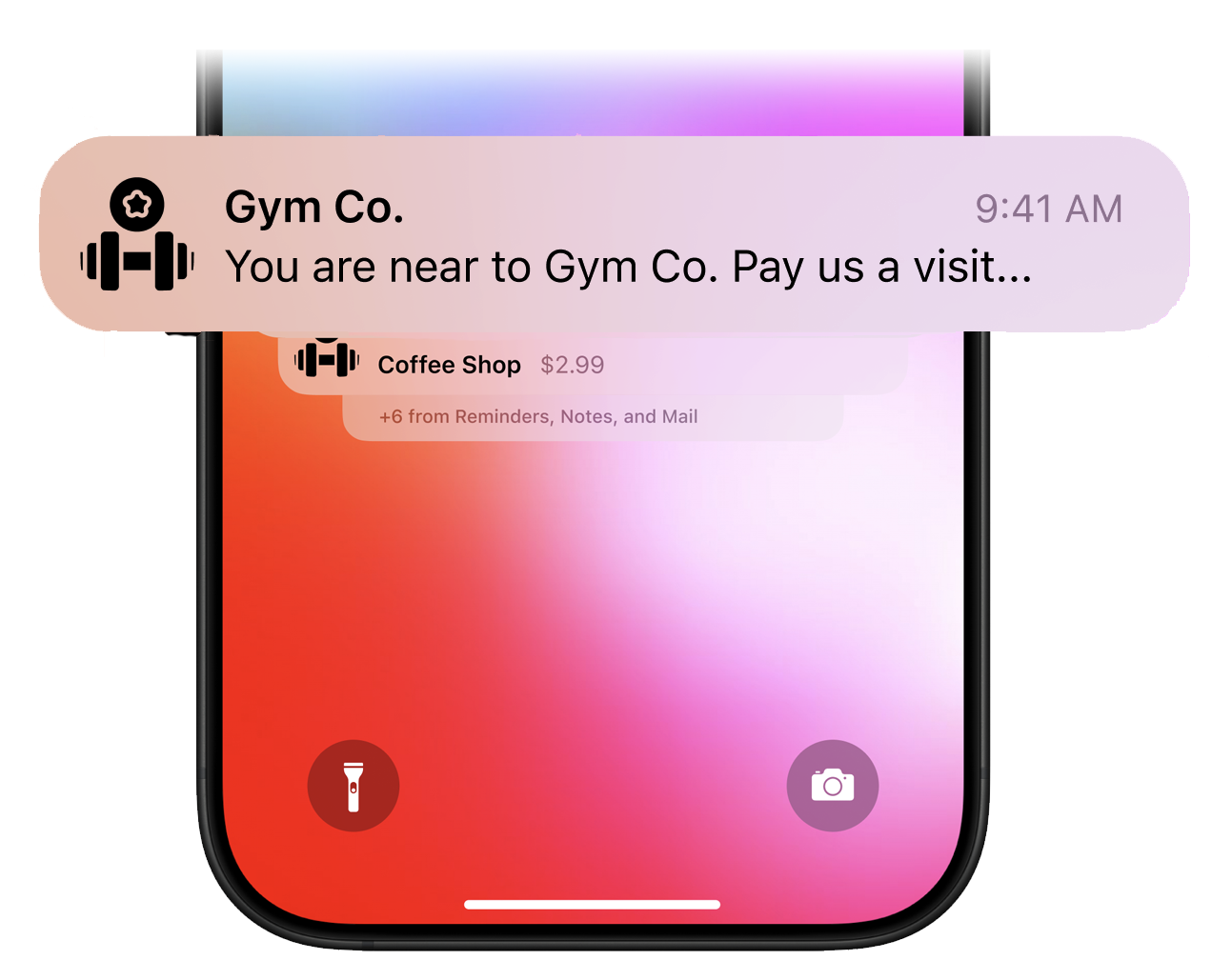
This is often the first time a user sees a pass after adding it. The design implication: the pass must explain itself instantly, without onboarding or explanation.
Why is lock screen behavior relevance instead of notification
When a wallet pass appears on the lock screen, it is not behaving like a notification. It is the operating system asserting that the pass is contextually more useful than the user's recent apps.
This distinction matters because lock screen presence is governed by relevance scoring, not by user-triggered intent or explicit alerts. A pass can surface without any notification being sent, and conversely, a notification does not guarantee persistent lock screen presence.
Designers who treat lock screen appearance as a "message" rather than a temporary elevation of relevance often misunderstand why passes appear inconsistently.
How does design determine whether lock screen surfacing helps or harms
Lock screen surfacing compresses the user's attention window to a few seconds. In that moment, the pass must answer three questions instantly: What is this? Why is it here now? What should I do next?
If the design does not make the reason for surfacing obvious — through time, location, or status cues — the lock screen appearance feels intrusive rather than helpful.
This is why passes with clear temporal or spatial anchors feel "smart," while generic or frequently updated passes feel noisy. Lock screen behavior does not reward freshness; it rewards meaningful urgency.
How do notifications trigger pass surfacing
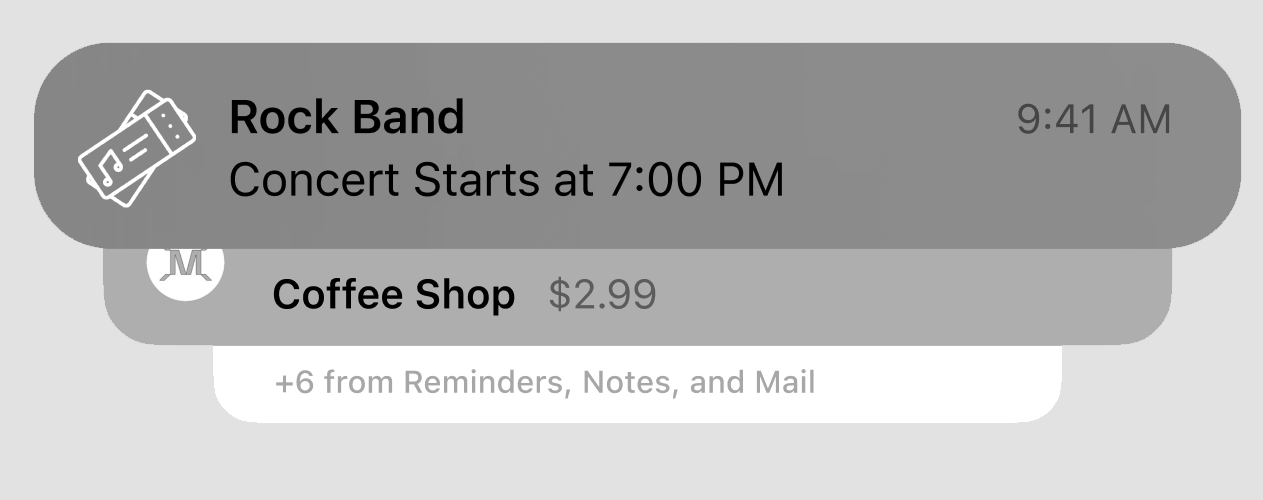
When a pass updates — status changes, balance updates, access becomes valid or expires — the OS may surface the pass alongside a notification. This is not just a message. It is an invitation to glance at the pass.
Updated information must be visually obvious and meaningful. If the change is not clear at a glance, the notification moment is wasted.
What role does manual access play
Users can open their wallet and find a pass manually, but this is often the fallback, not the primary path. If a pass relies entirely on manual discovery, it is already underperforming.
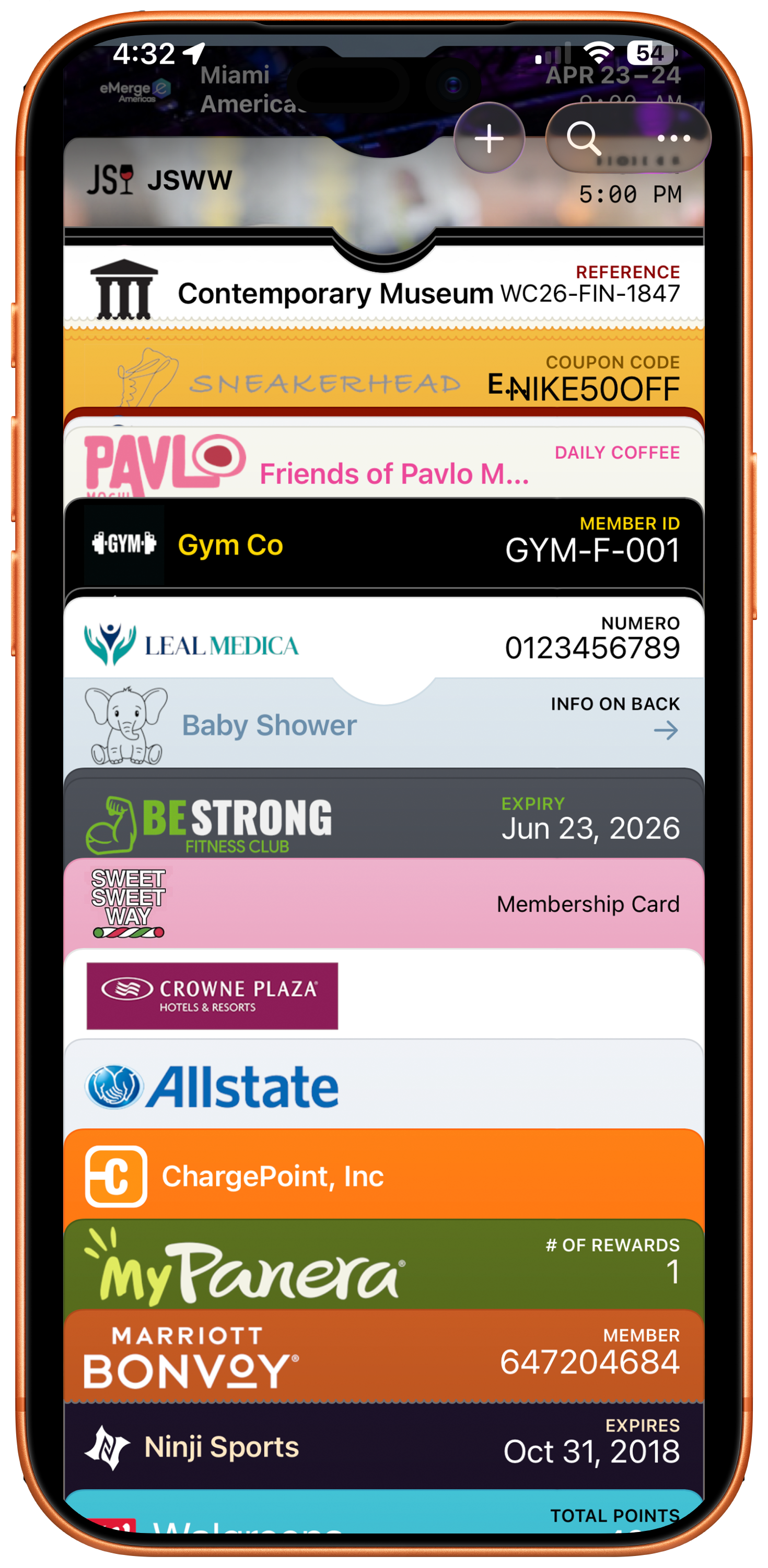
Design for automatic surfacing first. Manual access is secondary.
Why is relevance more important than design polish
A beautifully designed pass that never surfaces is effectively invisible. The OS prioritizes relevance signals: time windows, location proximity, active status, and recent changes.
This is why timing matters, state matters, and updates matter. Design choices should reinforce relevance, not distract from it.
How does surfacing change design priorities
When you accept that the OS controls surfacing, several design assumptions break. Branding is no longer the primary goal. Visual complexity becomes a liability. Explanatory text becomes noise.
Instead, strong wallet pass design focuses on clear primary identifiers, obvious current state, and minimal interpretation required.
How much time do you have to communicate value
When a pass is surfaced automatically, the user typically gives it less than one second of attention. In that second, the user must be able to answer: What is this? Is it for me? Is it valid right now?
If any of those answers are unclear, the moment is lost.
How should stable identity and meaningful change work together
The OS looks for a balance between stable identity (what the pass is) and meaningful change (what just happened). Core fields should remain recognizable. Updated fields should stand out.
Not everything should change — only what matters.
Why does overloading a pass backfire
Adding more information does not increase usefulness. It reduces it. Every additional field competes for attention. Every extra detail slows comprehension.
The OS rewards passes that are instantly scannable. Dense, cluttered passes get ignored — not because users dislike them, but because the moment passes before comprehension occurs.
What are the key surfacing signals for each platform
Apple Wallet prioritizes location-based surfacing. Passes with geographic relevance appear when users approach the associated location. Time-based surfacing works for event tickets and time-sensitive offers.
Google Wallet uses similar signals but also integrates with Google services. Passes can surface based on calendar events, search context, and Google Maps proximity.
Both platforms track update frequency. Passes that update regularly signal ongoing relevance. Stale passes sink in priority.
How does NFC autopresent work
NFC autopresent is one of the most powerful surfacing mechanisms available. When a user taps their device near an NFC reader, the relevant pass automatically appears on screen — no wallet browsing required.
For Apple Wallet, passes with NFC enabled can be configured to autopresent when the device detects a compatible reader. The pass appears instantly on the lock screen, ready for authentication. This creates a seamless tap-and-go experience for access control, transit, and payments.
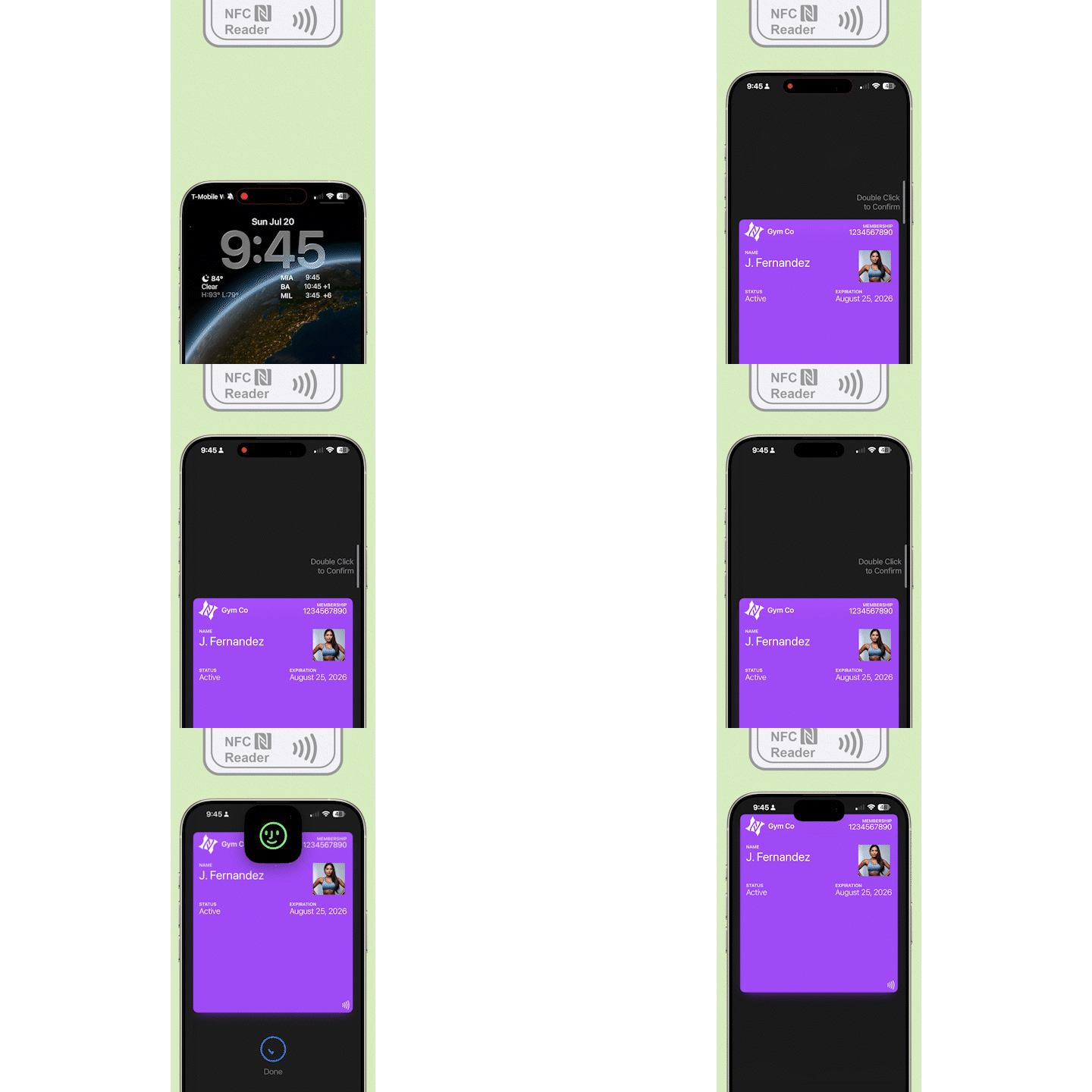
Google Wallet supports similar NFC functionality through Smart Tap. When configured correctly, passes automatically surface when the device approaches a compatible terminal.
The design implication is significant: NFC autopresent means users never search for the pass. They simply tap. Every element on the pass must support that instant moment of recognition and validation.
The Shift
Stop designing passes. Start designing surfacing triggers.
Ask: When should this pass appear? Where should it appear? What data must be set for the OS to make that decision?
If you can answer those questions, your passes will surface when they matter. If you can't, they'll disappear into the stack.
More articles in Foundations
Most teams design wallet passes wrong. Not because they lack skill — because they bring the wrong...
Designing for Pass UpdatesA customer just made a purchase. They open their wallet. The loyalty balance is the same as yeste...
Information Hierarchy in Wallet PassesYou have one second.
Interaction Design in Wallet PassesIn wallet passes, interaction design is not about what users do. It's about what the system does ...
Introduction to Designing Wallet PassesThe design looked perfect in Figma. Clean layout. Beautiful typography. Exactly what the brand wa...
Wallet Pass Design LimitationsConstraints are not limitations. They are the design system.
Wallet Pass Design Principles ChecklistEvery failed wallet pass violates one of these principles. Every successful pass embodies them.
Wallet Passes vs Apps vs WebsitesApps invite exploration. Websites enable discovery. Wallet passes demand instant recognition.